Computational Design Suite
Explore the connected journey from Building Information Modelling (BIM), through Grasshopper-style visual programming, to custom software development.
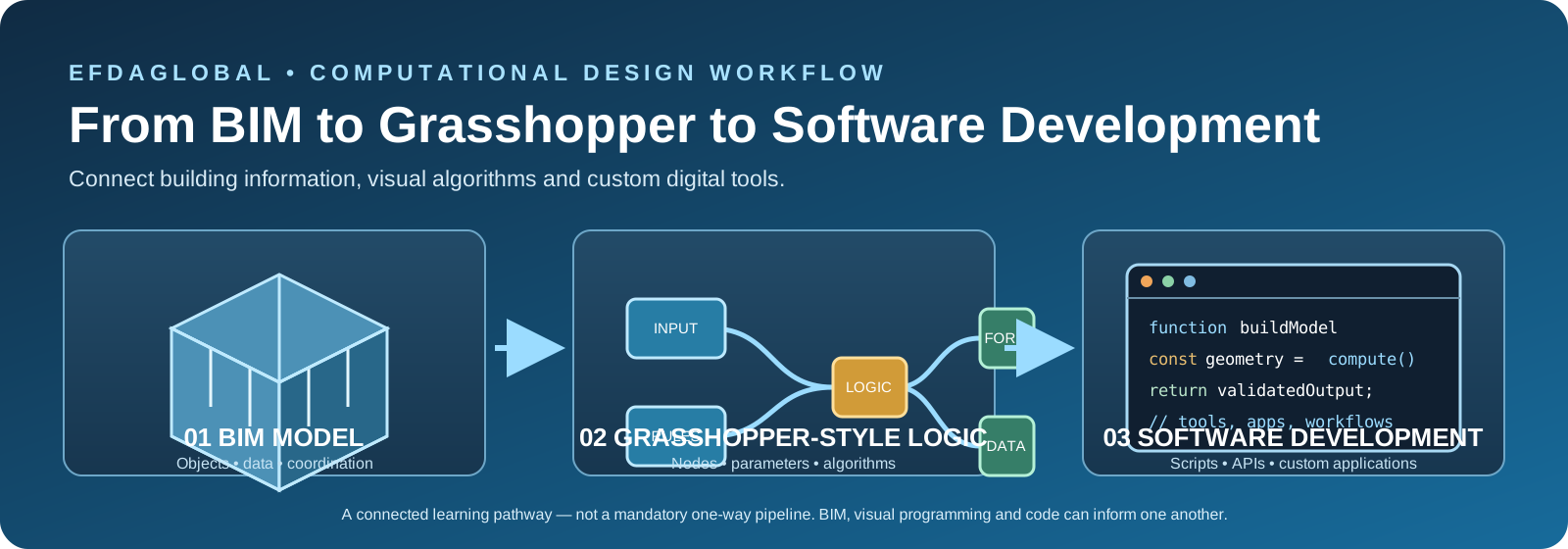
From building information to intelligent tools
Understand what each stage contributes, how information moves between them, and where each approach is useful.
 01 · MODEL & COORDINATE
BIM
Build an information-rich representation of a project: geometry, components, properties, quantities, relationships and coordinated documentation.
Typical tools: Revit, Archicad, IFC viewers and model coordination platforms. 02 · DEFINE RULES
Grasshopper & visual programming
Connect inputs, parameters, components and logic to generate geometry, automate repetitive tasks and explore design variations.
Typical concepts: nodes, data trees, parameters, scripts and computational geometry. 03 · BUILD DIGITAL TOOLS
Software development
Turn repeatable workflows into scripts, plugins, APIs, web applications and connected data tools that support teams and project delivery.
Typical technologies: Python, JavaScript, C#, APIs, databases and testing.These stages can overlap and feed back into one another. BIM is not simply a prerequisite for Grasshopper, and visual programming is one route into software development—not the only route.
Continue from computational design into software and technology
Connect design knowledge, visual programming and software development with the wider EFDAGLOBALTECH ecosystem.
What is computational design?
Computational design uses data, logic, mathematical models and algorithms to create, test and improve design solutions. Instead of drawing only one fixed outcome, designers define relationships and rules that can generate and evaluate alternatives.
The platform’s built-in laboratories are educational concept tools. They are not certified structural, environmental, code-compliance or engineering analysis software.
Real-world computational design applications
Visual examples connect the methods in this suite to project workflows across the built environment, engineering and fabrication.
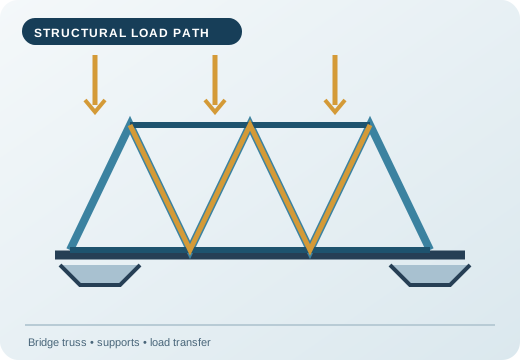
Structural systems
Explore load paths, truss geometry, member sizing concepts and structural form-finding.
Applications: bridges, roof trusses, long-span halls and industrial frames.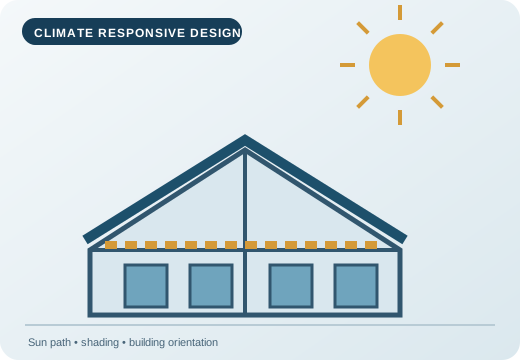
Climate-responsive buildings
Study orientation, solar exposure, facade shading and daylight strategies.
Applications: offices, schools, housing and low-energy buildings.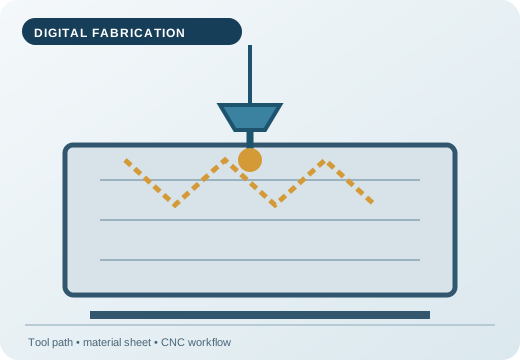
Digital fabrication
Translate parametric geometry into panel layouts, tool paths and fabrication-ready concepts.
Applications: CNC routing, laser cutting, 3D printing and modular construction.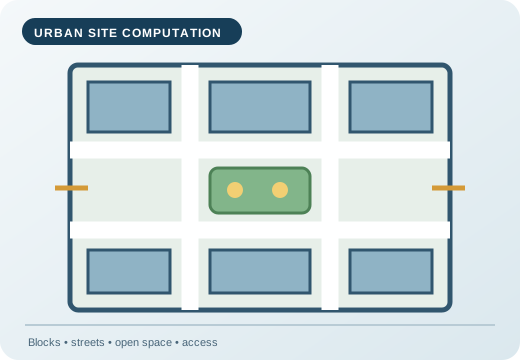
Urban and site planning
Compare building footprints, access, open space, density and pedestrian connections.
Applications: housing estates, campuses, mixed-use districts and public spaces.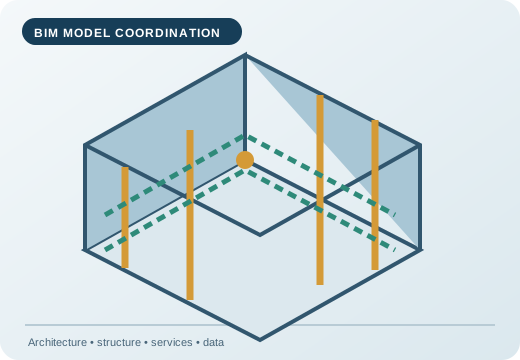
BIM coordination
Connect architectural, structural and building-services information in a coordinated digital model.
Applications: design coordination, quantities, asset information and project delivery.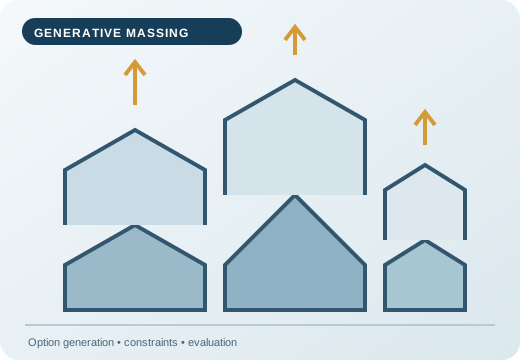
Generative massing
Generate and compare alternative forms against site, area, daylight and design constraints.
Applications: concept design, feasibility studies and option evaluation.12 integrated knowledge modules
Each module introduces the principles, typical workflow and application areas.
Computational Design Fundamentals
Understand how computation, rules, data and algorithms support design decisions.
Explore principles and applications
How it works: A design problem is translated into inputs, rules, constraints and measurable outputs.
Application areas: Architecture, engineering, product design, research and education.
Practice: Identify a real design problem, list its inputs and constraints, and describe how you would assess possible outcomes.
Parametric Design
Build relationships between dimensions and design features so a change to one parameter updates dependent geometry.
Explore principles and applications
How it works: A facade module can respond to floor height, panel width, shading depth and orientation.
Application areas: Building facades, roof systems, bridges, furniture and product configuration.
Practice: Identify a real design problem, list its inputs and constraints, and describe how you would assess possible outcomes.
Generative Design
Explore many candidate solutions against goals and constraints rather than relying on a single first idea.
Explore principles and applications
How it works: Generate alternatives, reject those that violate constraints, then compare remaining options.
Application areas: Site planning, massing studies, structural layouts, product development and logistics.
Practice: Identify a real design problem, list its inputs and constraints, and describe how you would assess possible outcomes.
Algorithmic Design
Use explicit sequences, conditions, repetition and mathematical rules to construct or evaluate designs.
Explore principles and applications
How it works: A rule set can place repeated components while adjusting spacing at boundaries.
Application areas: Pattern generation, fabrication, layout automation and repeatable design workflows.
Practice: Identify a real design problem, list its inputs and constraints, and describe how you would assess possible outcomes.
Structural Optimization
Explore load paths, stiffness, material use and structural response through simplified models and analysis workflows.
Explore principles and applications
How it works: Compare conceptual member layouts under stated loads; final design requires qualified engineering review.
Application areas: Conceptual bridge design, building frames, components and mechanical structures.
Practice: Identify a real design problem, list its inputs and constraints, and describe how you would assess possible outcomes.
Architectural Computation
Apply computational methods to building massing, spatial organization, envelopes and design coordination.
Explore principles and applications
How it works: Test how floor plate, height, orientation and courtyard size affect a building concept.
Application areas: Concept design, facade systems, space planning and building information workflows.
Practice: Identify a real design problem, list its inputs and constraints, and describe how you would assess possible outcomes.
Environmental Computation
Study environmental inputs such as sun, daylight, wind and heat to inform early design decisions.
Explore principles and applications
How it works: Compare orientation and shading concepts before detailed climate simulation.
Application areas: Passive design, climate-responsive buildings, site planning and energy strategies.
Practice: Identify a real design problem, list its inputs and constraints, and describe how you would assess possible outcomes.
Computational Geometry
Work with points, vectors, curves, surfaces, meshes and geometric transformations.
Explore principles and applications
How it works: Transform a point grid into a surface or repeated geometric pattern.
Application areas: CAD, 3D modelling, robotics, mapping, animation and fabrication.
Practice: Identify a real design problem, list its inputs and constraints, and describe how you would assess possible outcomes.
Urban Computational Design
Use spatial data, rules and scenario testing to explore urban form and infrastructure.
Explore principles and applications
How it works: Compare block layouts and open-space ratios as an early planning exercise.
Application areas: Land-use studies, mobility, public space, density and regional planning.
Practice: Identify a real design problem, list its inputs and constraints, and describe how you would assess possible outcomes.
Digital Fabrication
Connect digital models to production methods and understand tolerances, materials and machine constraints.
Explore principles and applications
How it works: Prepare a parametric panel pattern while considering tool access and material thickness.
Application areas: 3D printing, CNC routing, laser cutting and robotic construction.
Practice: Identify a real design problem, list its inputs and constraints, and describe how you would assess possible outcomes.
AI-Assisted Design
Use AI as a support for ideation, classification, option exploration and design documentation.
Explore principles and applications
How it works: Use explicit criteria to review AI-generated ideas; verify facts, geometry and feasibility.
Application areas: Early concept exploration, precedent research and design workflow assistance.
Practice: Identify a real design problem, list its inputs and constraints, and describe how you would assess possible outcomes.
Computational Engineering
Introduce numerical methods, simulation workflows, optimization and engineering data interpretation.
Explore principles and applications
How it works: Set up a simplified model, inspect assumptions and validate results against trusted methods.
Application areas: Mechanical, civil, electrical, aerospace and manufacturing engineering.
Practice: Identify a real design problem, list its inputs and constraints, and describe how you would assess possible outcomes.
Across industries and disciplines
Move from concepts to experiments
Use the interactive browser laboratories to change parameters, inspect simple geometry and compare conceptual design outcomes.